
Do AI Headshots Look Real? What Separates Authentic Results from Uncanny Valley
July 13, 2026
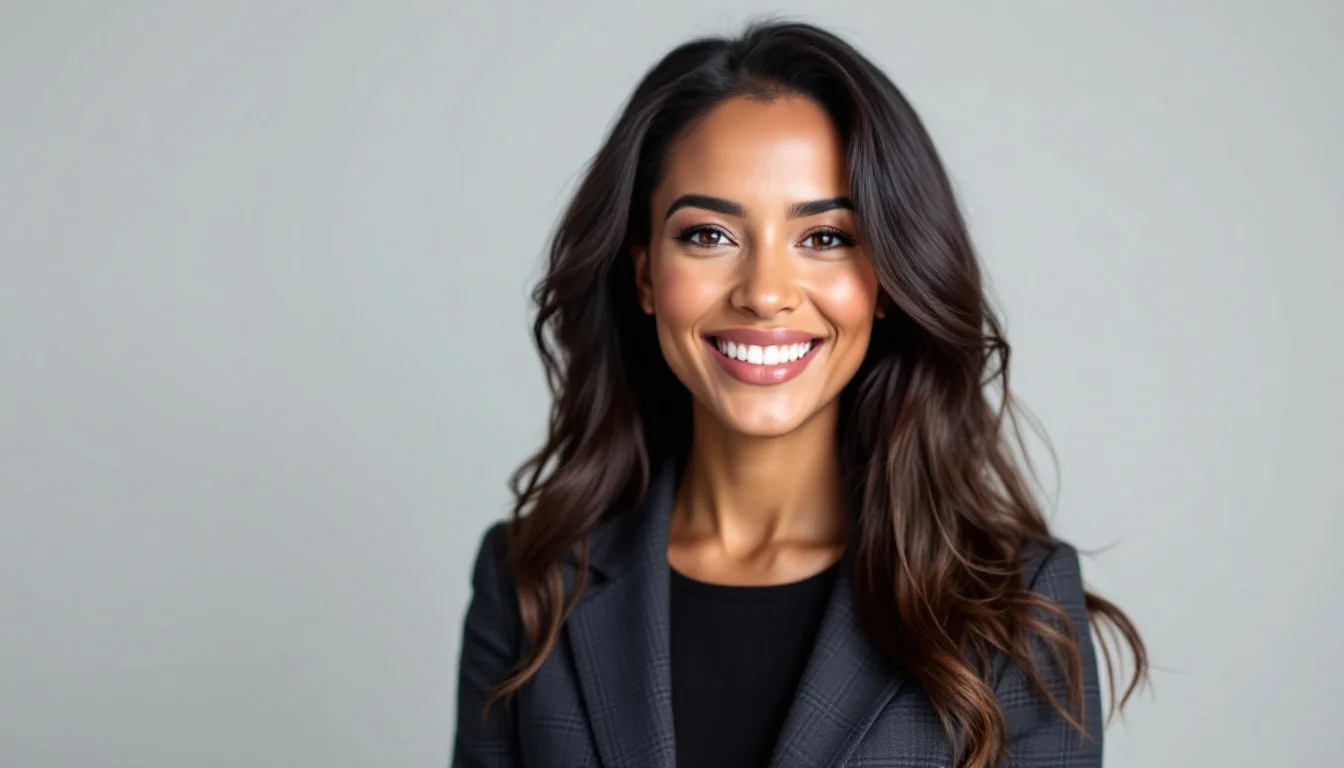
Many professionals now ask the same question: do AI headshots look real? The short answer is that some do, and some do not. The difference comes down to specific choices in how the images are generated and refined.
Why Some AI Headshots Feel Off
Early AI tools often produced results with overly smooth skin, stiff expressions, or lighting that did not match the background. These flaws created the classic uncanny valley effect that immediately signals an image is artificial.
Today’s better systems handle skin pores, subtle shadows, and natural eye reflections more accurately. The gap between good and bad outputs has widened considerably.
Key Elements That Make AI Headshots Look Real
Realistic AI headshots depend on three main factors. First, the training data must include diverse, high-quality professional photos. Second, the generation process needs to preserve fine details like individual hair strands and natural skin variation. Third, post-processing should avoid over-smoothing or plastic-looking retouching.
When these elements align, the final image passes casual inspection and even close review by recruiters or clients.
The most convincing AI headshots maintain slight imperfections that real photography always contains.
Lighting and Background Consistency
Lighting is often the giveaway. Natural headshots show consistent light direction across the face, hair, and shoulders. Mismatched shadows or overly perfect studio glows are easy to spot.
Backgrounds should also feel integrated rather than pasted in. Slight depth-of-field blur that matches the subject’s distance helps sell the realism.
Common Mistakes That Produce Fake Results
- Using low-resolution or poorly lit reference photos
- Over-editing skin texture during generation
- Choosing outfits or poses that feel staged rather than natural
- Ignoring how different lighting setups interact with clothing
These issues compound quickly. A single weak reference photo can drag an entire set of results into the uncanny category.
How to Get Results That Actually Look Like You
Start with clear, front-facing photos that show your current appearance and typical professional expression. Avoid heavy makeup, dramatic filters, or old images from several years ago.
Next, pay attention to outfit selection. Subtle patterns and solid colors tend to render more naturally than busy prints. You can explore options in our outfit selection guide before uploading.
Finally, review the generated images for small details like ear shape, collar alignment, and natural neck shadows. The best services let you regenerate or tweak these elements quickly.
Comparing Quality Levels
| Aspect | Low-Quality AI | Realistic AI |
|---|---|---|
| Skin texture | Waxy or blurred | Visible pores and natural variation |
| Eye reflections | Flat or missing | Subtle catchlights present |
| Hair strands | Smudged edges | Individual strands visible |
Realistic AI vs Traditional Photography
Many people compare AI headshots directly with studio photography. For an honest breakdown of the differences, see our guide on AI vs photographer headshots quality. The technology explained in AI portrait technology explained also shows how modern tools close the realism gap.
Services like TopShots.AI focus on delivering results that hold up under professional scrutiny by prioritizing reference quality and careful generation settings.
Before-and-after examples in before and after AI headshot transformations illustrate how proper inputs lead to believable outputs.
Ultimately, the answer to “do AI headshots look real” depends on the process. When reference photos are recent, lighting is consistent, and the platform avoids over-processing, the results can be indistinguishable from a traditional professional session for most business uses.
Ready to upgrade your headshot?
40+ professional headshots in under an hour. No studio required.
Get Your Headshots — $29.99