
Team Page Design Best Practices: Consistent Professional Headshots
July 17, 2026
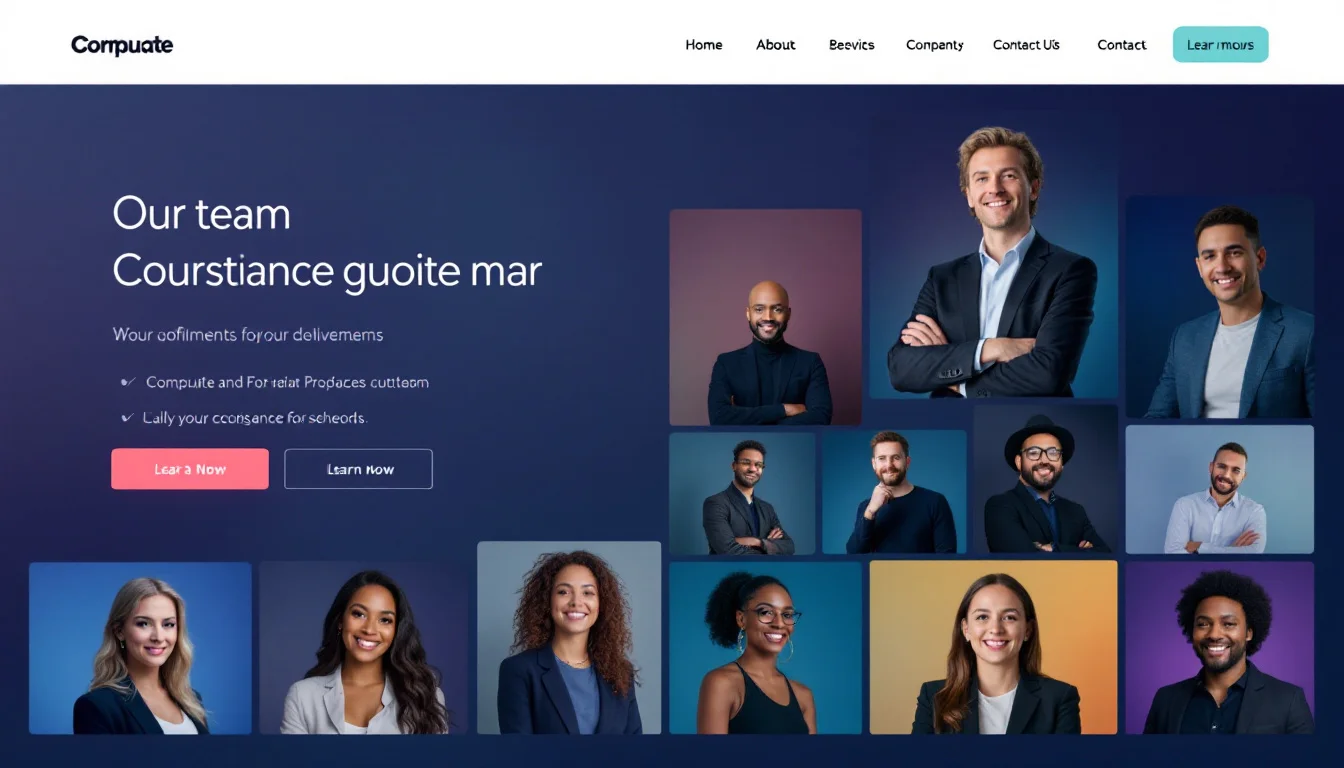
Creating an effective team page requires more than just listing names and titles. Strong team page design best practices focus on visual consistency, especially through professional headshots that convey trust and unity.
Visitors often scan these pages first to understand who they will work with. Inconsistent photos can undermine credibility quickly.
Why Consistent Headshots Matter for Team Pages
Uniform headshots create immediate visual harmony. They signal professionalism and attention to detail across the organization.
When every team member appears in a similar style, the page feels cohesive rather than patchwork. This consistency strengthens brand perception from the first glance.
Consistent imagery helps visitors form a unified impression of your team and its capabilities.
Building Trust Through Visual Unity
Research in user behavior shows that mismatched photos reduce perceived reliability. Professional headshots taken under similar conditions eliminate this issue.
They also help remote or distributed teams appear more connected, which matters for client-facing pages.
Selecting the Right Headshots
Start by establishing clear guidelines for expression, background, and framing. Corporate headshot guidelines help maintain standards without overcomplicating the process.
Focus on neutral expressions and solid or subtle office backgrounds. Avoid mixing casual selfies with formal portraits.
Many companies now turn to AI solutions for scaling consistent team photos across departments.
Key Criteria for Headshot Selection
- Similar lighting direction and color temperature
- Consistent framing from the chest up
- Matching attire formality levels
- Uniform background treatment
Layout Strategies That Enhance Readability
Grid layouts work best for most team pages. They allow easy scanning while giving each headshot equal prominence.
Use generous spacing between cards and clear typography for names and roles. Consider adding short bios only when they add meaningful context.
| Layout Option | Best For | Potential Drawback |
|---|---|---|
| Simple Grid | Large teams | Can feel repetitive |
| Featured Spotlight | Leadership pages | Requires strong hierarchy |
| Department Tabs | Complex organizations | Adds navigation steps |
Profile photo consistency across platforms further reinforces recognition when visitors cross-reference social channels.
Avoiding Common Design Pitfalls
Overloading the page with too much text distracts from the photos. Keep descriptions concise and scannable.
Another frequent mistake involves mixing headshot styles from different eras or photographers. This breaks the visual flow immediately.
Regular updates keep photos current. Outdated images can signal stagnation to potential clients or recruits.
Quick Checklist Before Launch
- Verify all headshots meet the same technical specs
- Confirm alt text describes each person accurately
- Check loading speed with high-resolution images
- Ensure links to individual profiles function correctly
Updating Headshots Efficiently
Traditional photoshoots become impractical for growing teams. Many organizations now explore modern alternatives that deliver consistent results quickly.
When refreshing wardrobes for new photos, explore outfit options that align with your brand to maintain visual standards across the entire team.
This approach supports ongoing adherence to team page design best practices without disrupting daily operations.
Ready to upgrade your headshot?
40+ professional headshots in under an hour. No studio required.
Get Your Headshots — $29.99